
LogPoint users with sufficient privileges can manage OAuth users.
Follow these steps to manage OAuth users:
Go to Settings >> User Accounts.
Click Users.
In the Plugin Users drop-down menu, click OAuth Authentication. The panel enlists all the OAuth users who have logged into LogPoint.
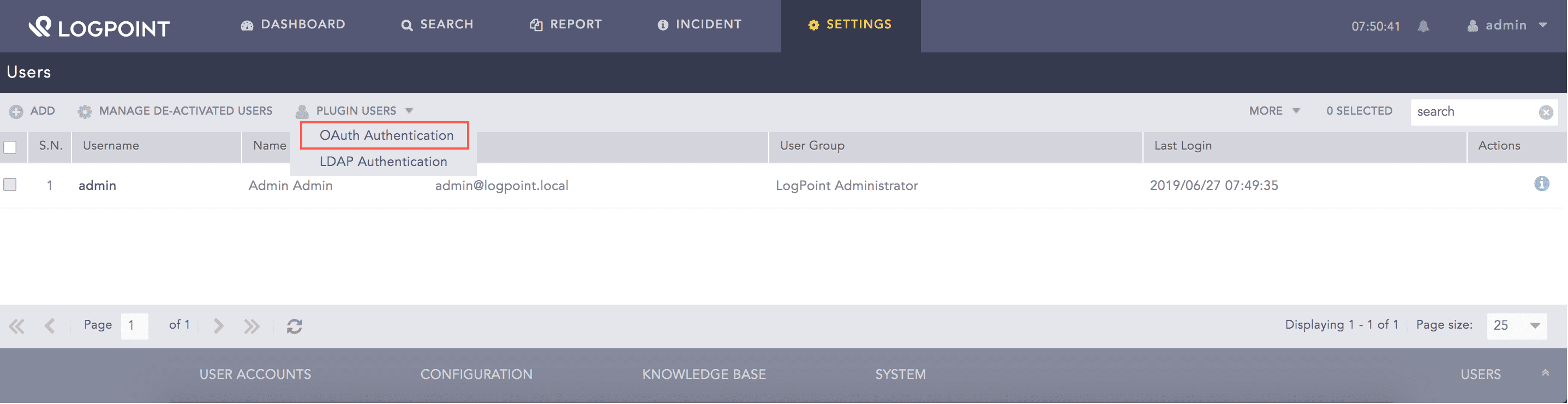
Plugin Users
Click the De-Activate User icon in the Actions column to deactivate a user.
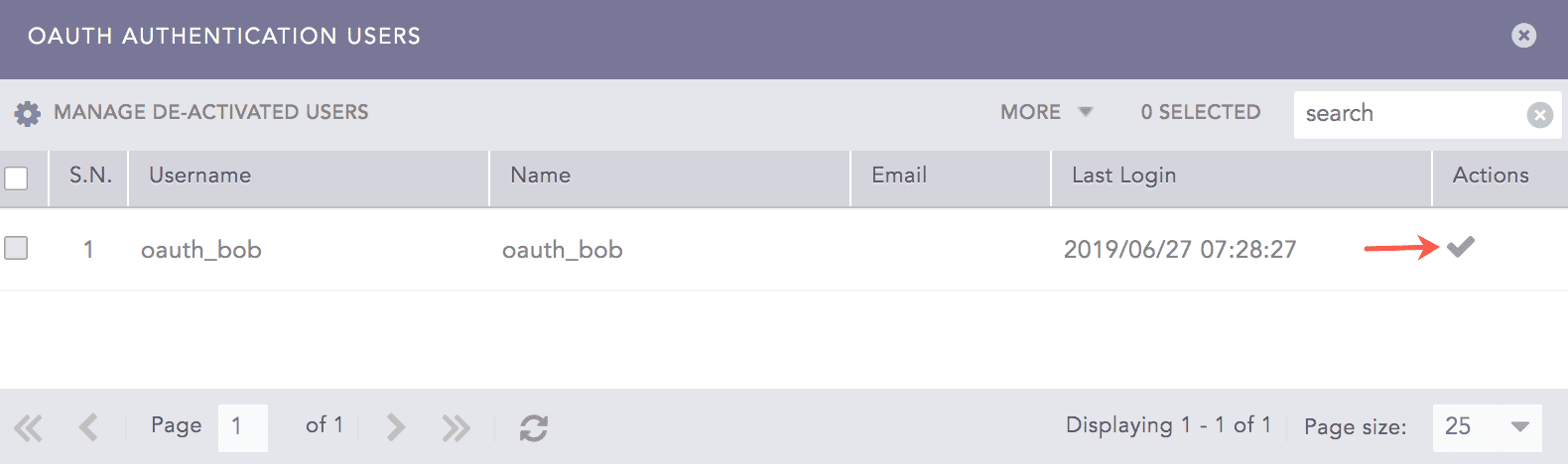
Deactivating OAuth Users
Click Yes.
Click Manage De-Activated Users.
Click the Activate User or Delete icon to activate or delete the deactivated user respectively.
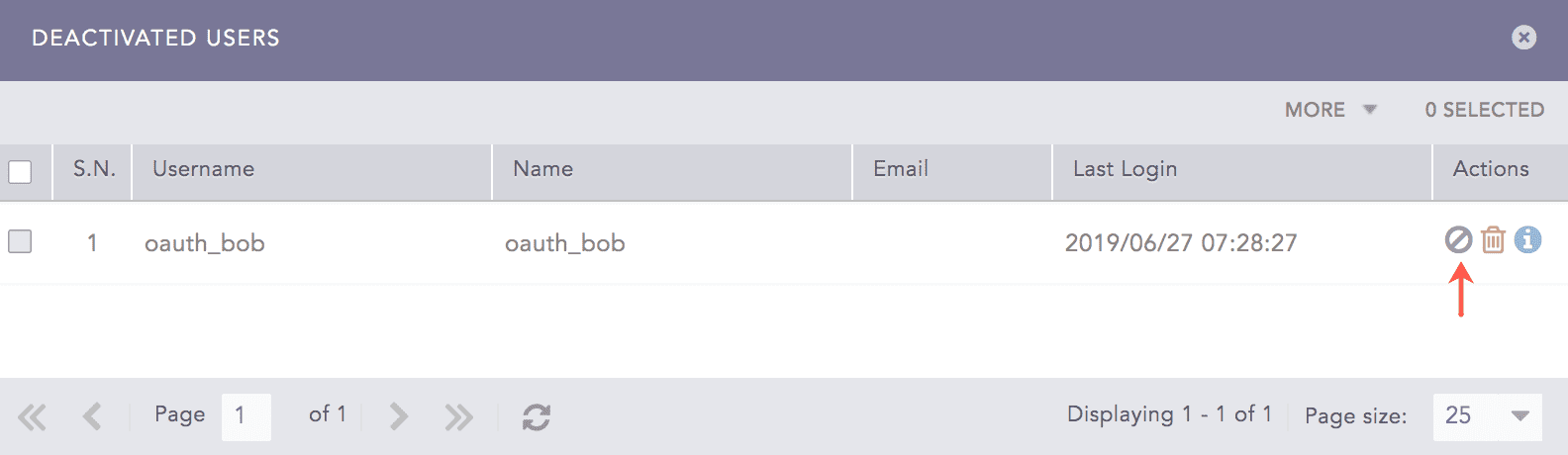
Activating the Deactivated OAuth User
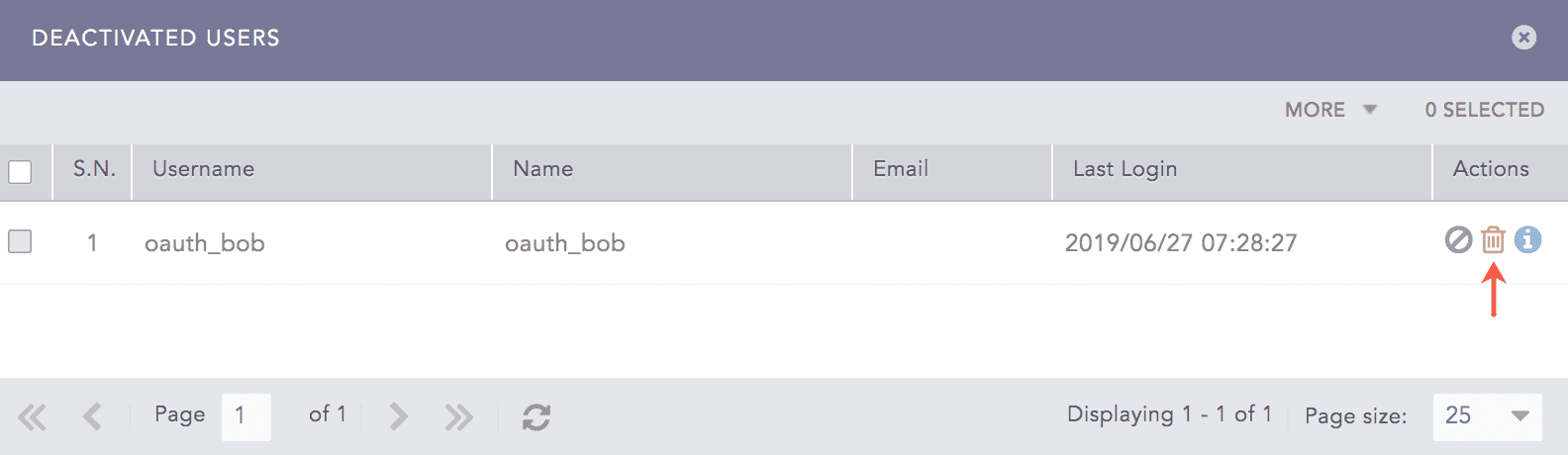
Deleting the Deactivated OAuth User